Create a product
Create a sellable product in your booklets' shop: photos, price, discount, delivery.
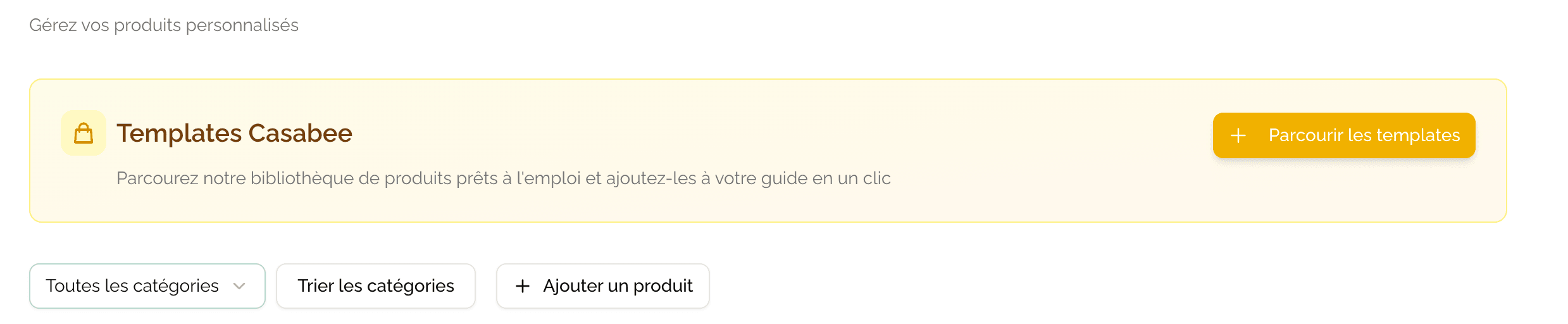
Once Stripe is connected, you can create products that will appear in the shop on your booklets: welcome basket, excursion, late check-out, equipment rental… This page guides you through creating a clean product that sells.
Access creation
Go to /hosts/products.
- Click on the « + New product » button at the top right.
- Fill in the form and save.
Form fields
Main information
- Title — Name of the product (e.g. « Local welcome basket »).
- Description — Rich text detailing what the product contains, its benefits, its conditions.
- Images — Photos of the product. The first one is the thumbnail that appears in the shop grid.
Use square (1:1) photos for your products. The shop grid displays all thumbnails in square format; a vertical or horizontal photo will be cropped and may render poorly.
Pricing
- Price — Amount in euros incl. VAT.
- Pricing type:
- Fixed — A single unique price.
- Variable — Price that depends on options (size, duration, number of people). You define the variants.
- Discount (optional) — Either in euros (fixed amount), or in percentage. A « -20% » or « -€5 » label will appear on the product on the guest side.
Category
Choose a category to organize the product in the shop (e.g. Breakfast, Excursions, Services). See Organize your categories.
Stock
« Stock management » toggle: see the dedicated page Manage stock for details.
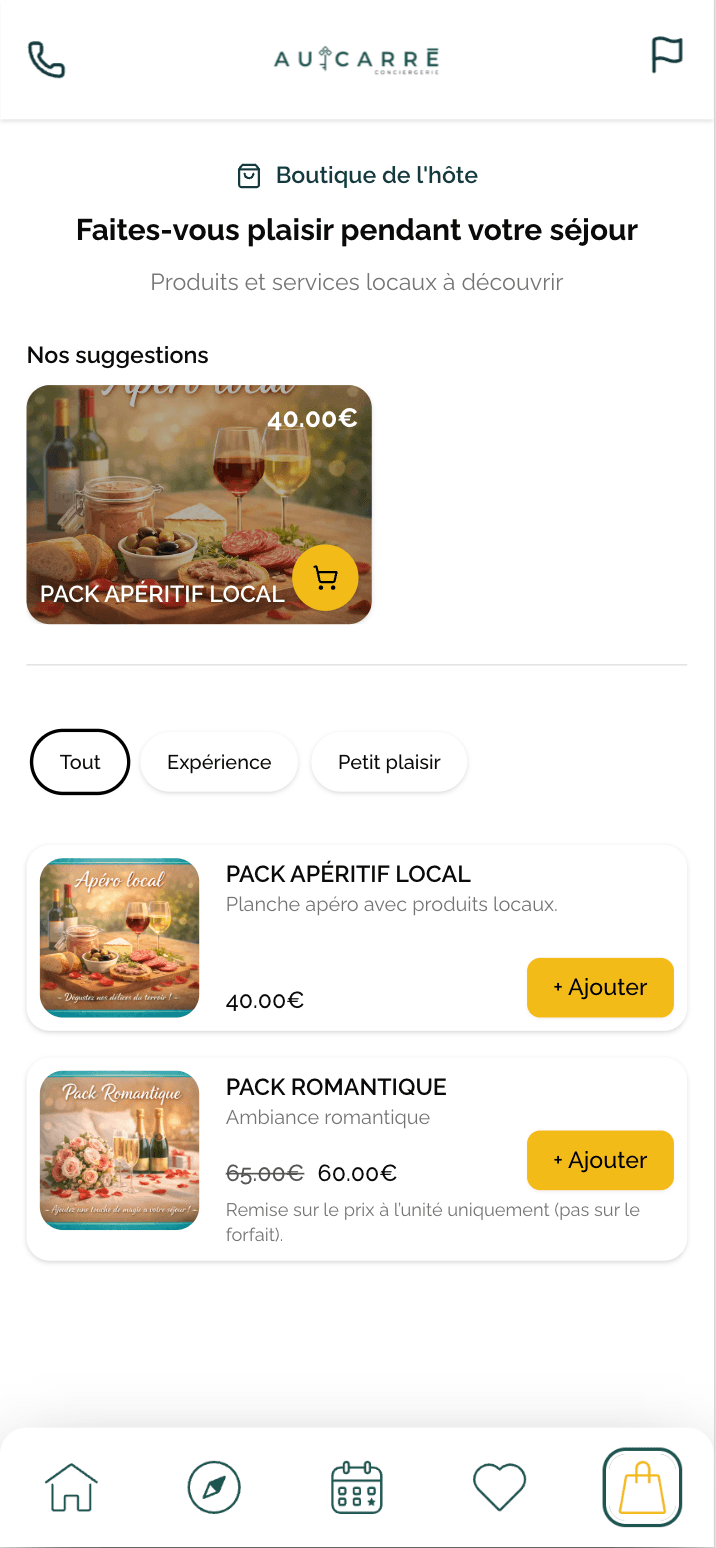
Enable the shop on a booklet
The product exists in your library. For it to actually appear to the guest:
- Open the relevant booklet.
- Go to the « Shop » tab.
- Enable the « Display the shop on this booklet » toggle.
- Select the products to display (or display them all).
Configure delivery fees
Delivery fees are defined at the booklet level (because delivery depends on the accommodation, not on the product). On the booklet's « Shop » tab:
- Fixed fees per order (e.g. €5 for handover).
- Free fees above a minimum amount (e.g. free from €30).
- On-site pickup (zero fees).
For services consumed on site (excursion, late check-out, massage), there is no delivery as such. Set the fees to 0 or choose the « On-site service » option.
Selling tips
- Polished photo + clear title + benefits-driven description = the basics.
- Highlight what's local and unfindable elsewhere.
- Create an affordable welcome basket (€15-25) to kick off sales.
- Display a visible discount on 1 or 2 flagship products.
Next step
Remember to configure stock management if you sell goods in limited quantities, and to track incoming orders.