Configure Stripe to sell
Connect your Stripe account to Casabee to enable the shop and collect payments from your guests.
To sell products via the shop on your booklets, you need to connect a Stripe account. Stripe is our payment partner: it secures transactions, charges guests and pays the funds back to you. This page explains how to make the connection, in just a few minutes.
Why Stripe?
PCI security
Stripe is certified at the highest level for the protection of banking data.
Fast payouts
Funds arrive in your bank account within 2 to 7 days depending on your Stripe plan.
Dispute handling
Stripe handles refunds, chargebacks and accounting exports.
No Stripe = no shop. You can still create products in Casabee, but they won't be orderable until the connection is made.
Start the connection
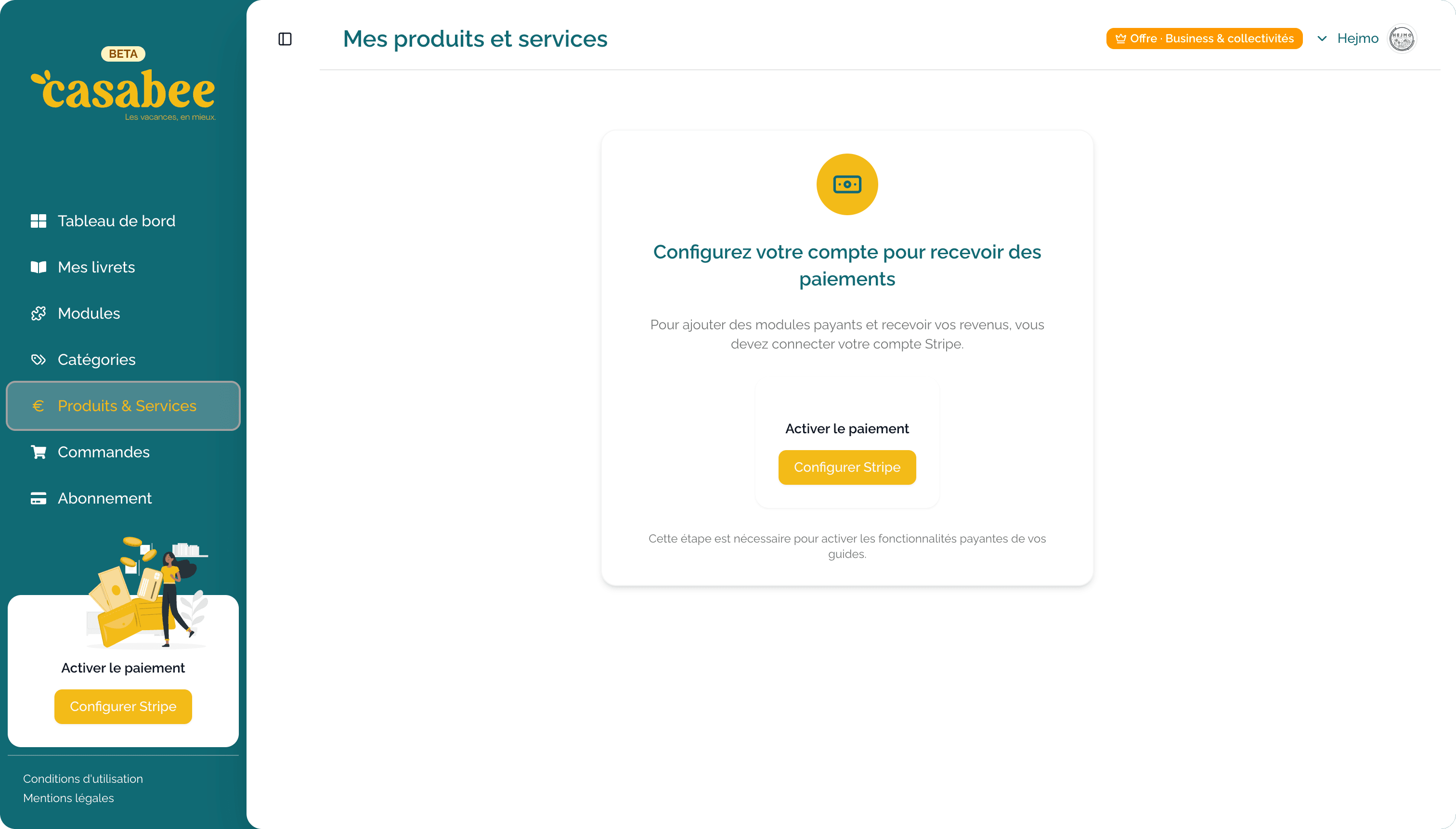
Go to /hosts/products.
If Stripe isn't connected yet, you'll see a large « Connect Stripe » banner above the product list.
- Click on « Connect Stripe ».
- You're redirected to Stripe (OAuth flow).
On Stripe
Once on Stripe, two scenarios:
You already have a Stripe account
- Log in with your credentials.
- Select the account to connect to Casabee.
- Validate the authorization.
You don't have a Stripe account
- Stripe offers to create one by filling out a simple form.
- You provide your business info (company name, business registration number, IBAN) and an ID document.
- Stripe validates within a few minutes to 48 hours depending on the checks.
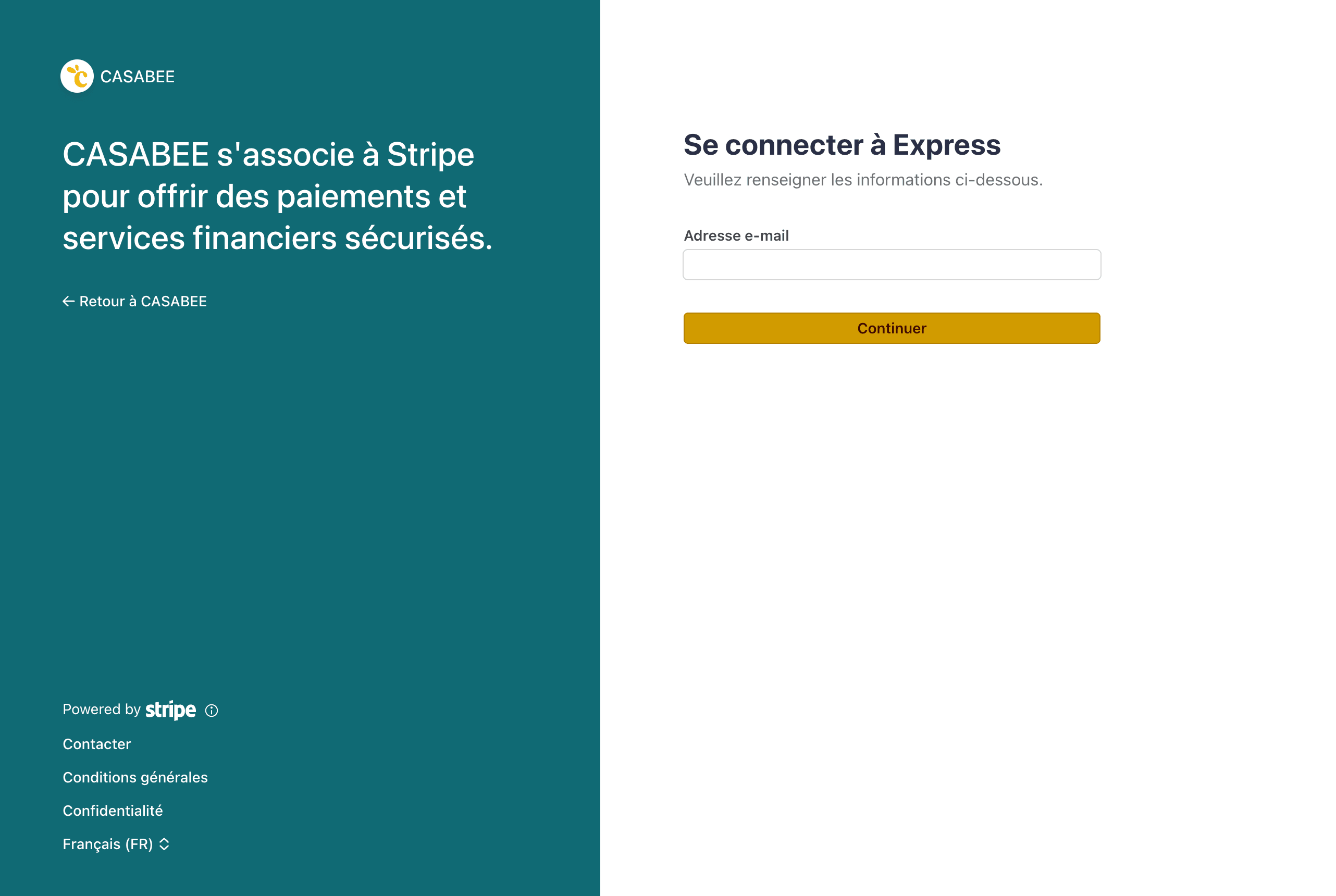
Once validation is done, you're automatically redirected to Casabee. The « Connect Stripe » screen disappears and the shop is enabled on all your booklets.
Without Stripe, the shop stays disabled
Until the connection is finalized and validated by Stripe, no order can be placed by your guests. Purchase buttons are hidden on the public booklet.
Fees
On each sale, two types of fees apply:
- Casabee commission — a percentage of the transaction that funds the platform.
- Stripe commission — bank processing fees (typically a percentage + a few cents per transaction).
The exact amounts depend on your subscription plan and the Stripe terms in force. You can find the up-to-date details in your subscription area and in your Stripe dashboard.
Casabee never receives the money on your behalf. Funds are paid directly by Stripe to your IBAN, and Casabee deducts its commission via Stripe Connect — it's transparent and traceable.
Verify everything works
After the connection, do a test:
- Create a product at €1 (see Create a product).
- Display the booklet in public mode.
- Place an order with a Stripe test card.
- Check that the order appears in /hosts/orders.
Next step
You can now create your first product and put it on sale.