Guided tour of the dashboard
Discover the Casabee dashboard widgets and learn to manage your business at a glance.
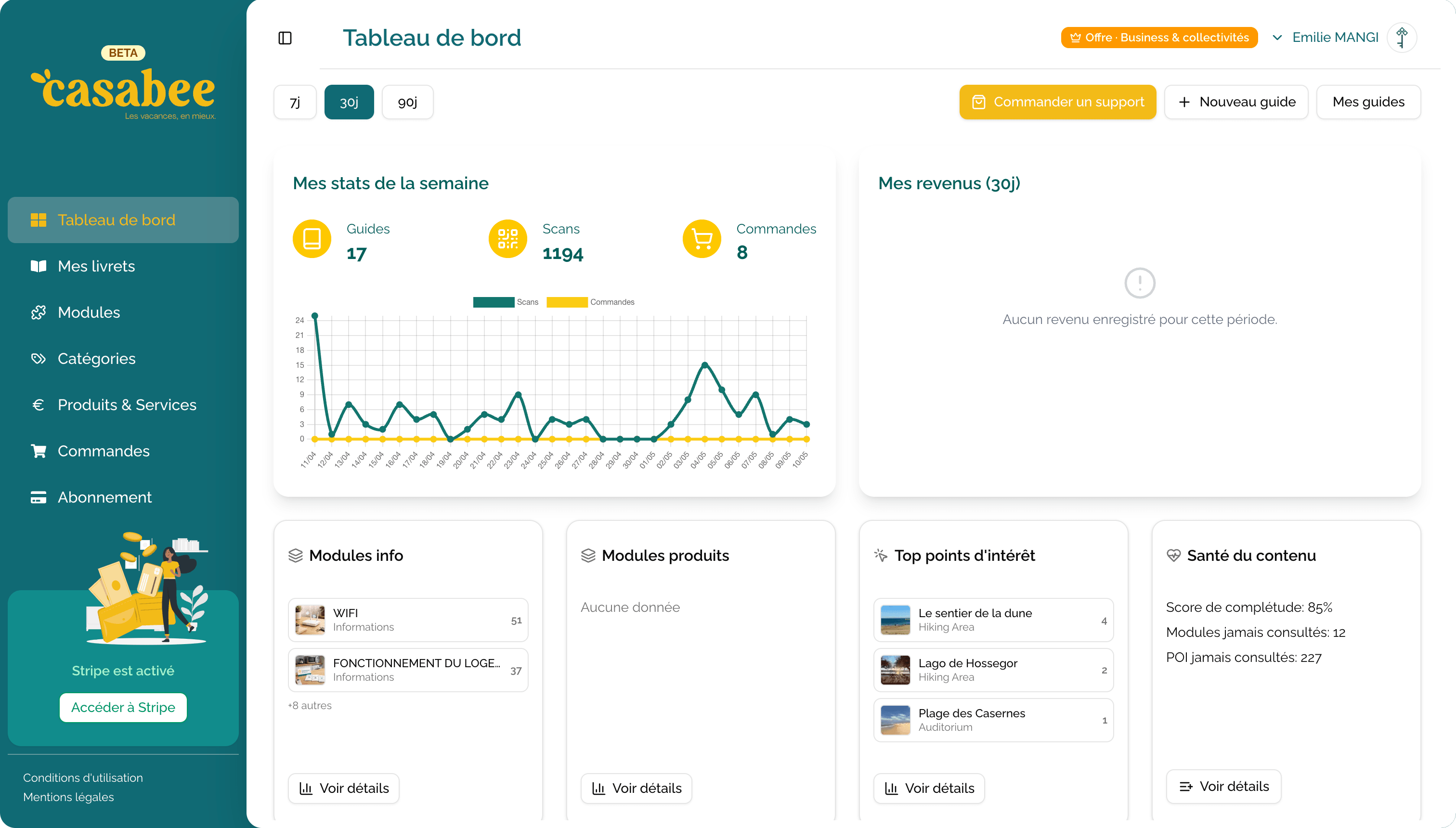
The Casabee dashboard — accessible from /hosts/dashboard — is your control center. It brings together key figures, content to monitor and quick actions to manage your business without wasting time.
Overview
As soon as you arrive, you see three main areas:
- Weekly statistics at the top.
- Thematic widgets (revenue, top modules, top products, top POIs, unviewed content).
- Account completeness score.
The time filter
At the top right of the analytics widgets, you'll find a 7d / 30d / 90d selector. It changes the analysis window for all displayed statistics.
Use 7 days to track hot activity (season, ongoing operations) and 90 days to analyze underlying trends.
Key widgets
Weekly statistics
Number of visits to your booklets, new guests, orders placed. Ideal for spotting an activity peak or an unusual drop.
Revenue
Displays the revenue generated by your shop over the selected period. Includes paid and delivered orders.
Stripe required for revenue
Revenue widgets only unlock if you've connected your Stripe account. Until the connection is made, you'll see an invitation message instead. See Configure Stripe.
Top modules / Top products / Top POIs
Three rankings that show you which content generates the most interest:
- Top modules: the blocks most viewed by your guests.
- Top products: the bestsellers from your shop.
- Top POIs: the points of interest that capture attention.
Use these rankings to identify what works and what needs improvement.
Unviewed content
A list of modules, products or POIs that received no views during the period. Either they're poorly placed, or they don't match expectations — it's an opportunity to rework them or remove them.
Completeness score
A percentage indicator that measures the level of completion of your account: profile filled in, booklets published, modules added, Stripe connected… The higher the score, the more successful the guest experience will be.
Quick actions
At the top of the dashboard, three buttons launch common operations:
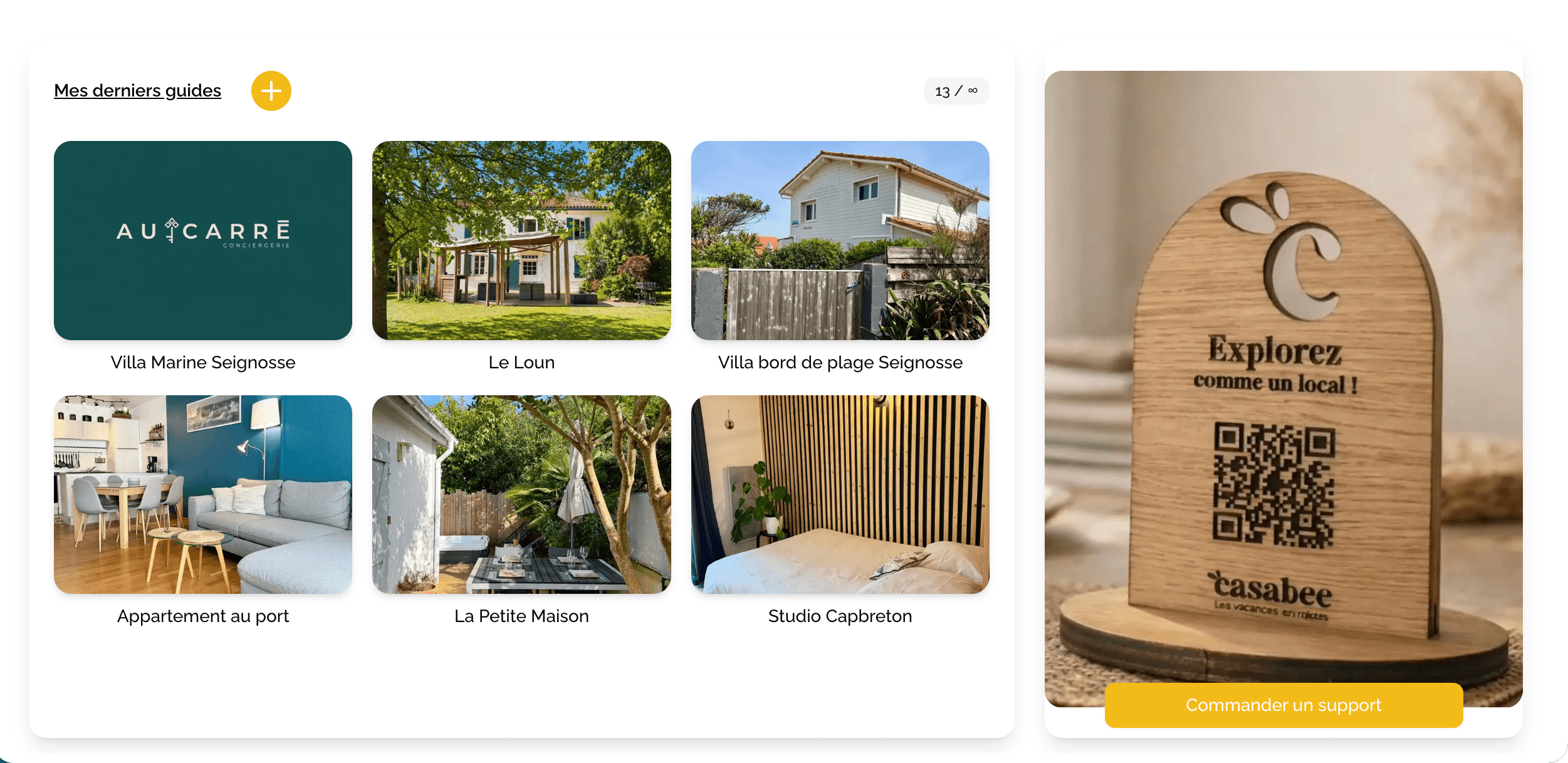
- « Order a physical support »: order a physical support (QR code) for one of your properties.
- « New guide »: create a booklet.
- « My guides »: find all your booklets.
Your subscription is managed from the « My subscription » entry of your profile menu.
A good daily reflex
Stop by your dashboard every morning to:
- Process new orders (status paid).
- Spot unviewed content to rework.
- Monitor visit peaks on your booklets.
You'll see, it quickly becomes a habit.