Understanding the scratch game
Discover how Casabee rewards drive in-store traffic with a geolocated scratch ticket.
The scratch game is one of Casabee's most engaging features on the guest side. And for you, it's a powerful lever to transform a physical presence into a brand moment.
The concept in three sentences
When a guest is near one of your events (within a radius you define), a scratch ticket appears in their BeeHive app. They scratch with their finger, discover a reward (a complimentary drink, a discount, a goodie…) and come to the shop to claim it. It's playful, geolocated, and creates traffic at the right moment.
The guest journey
1. They open BeeHive and spot the gift icon.
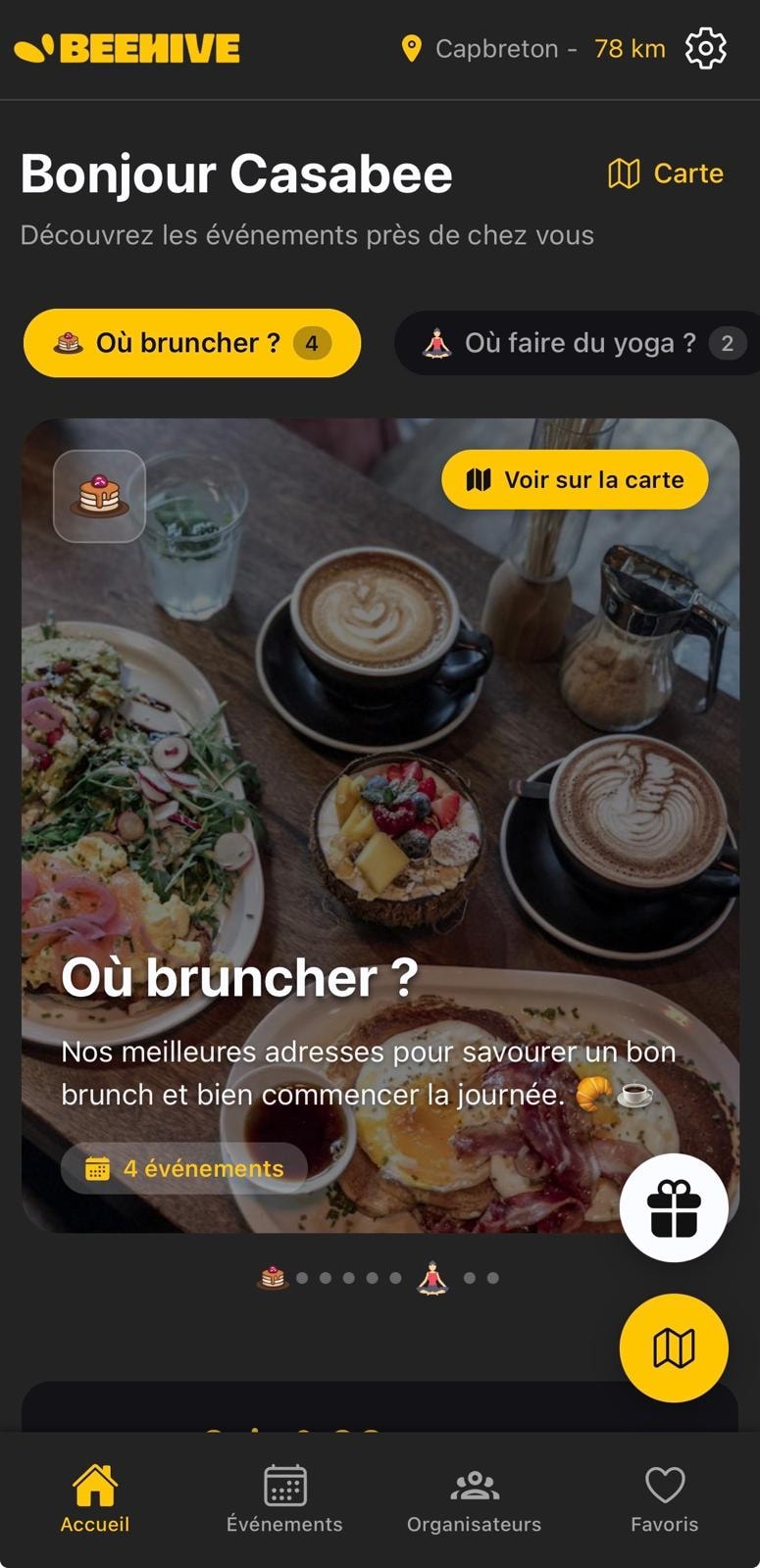
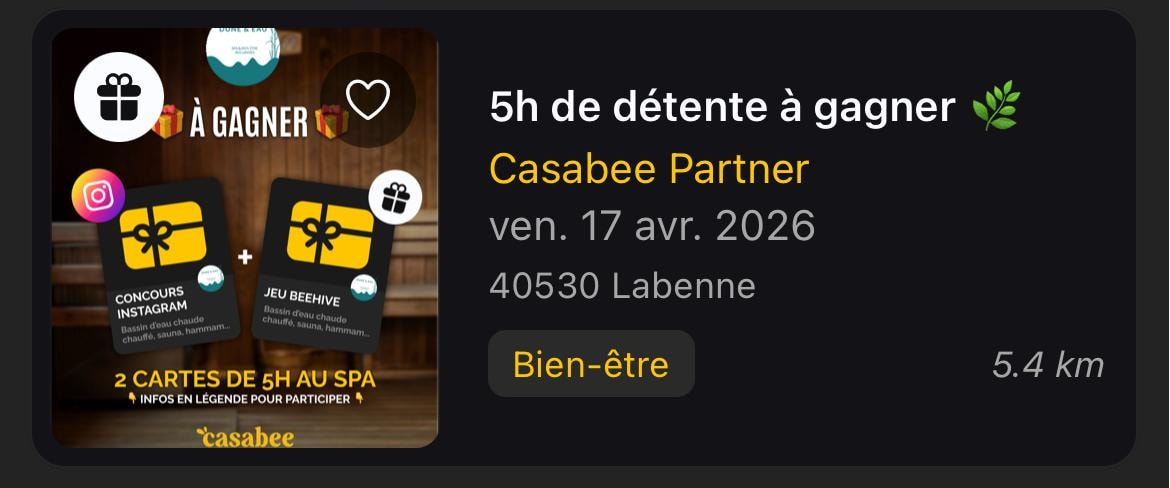
2. An event with a reward is highlighted to them.
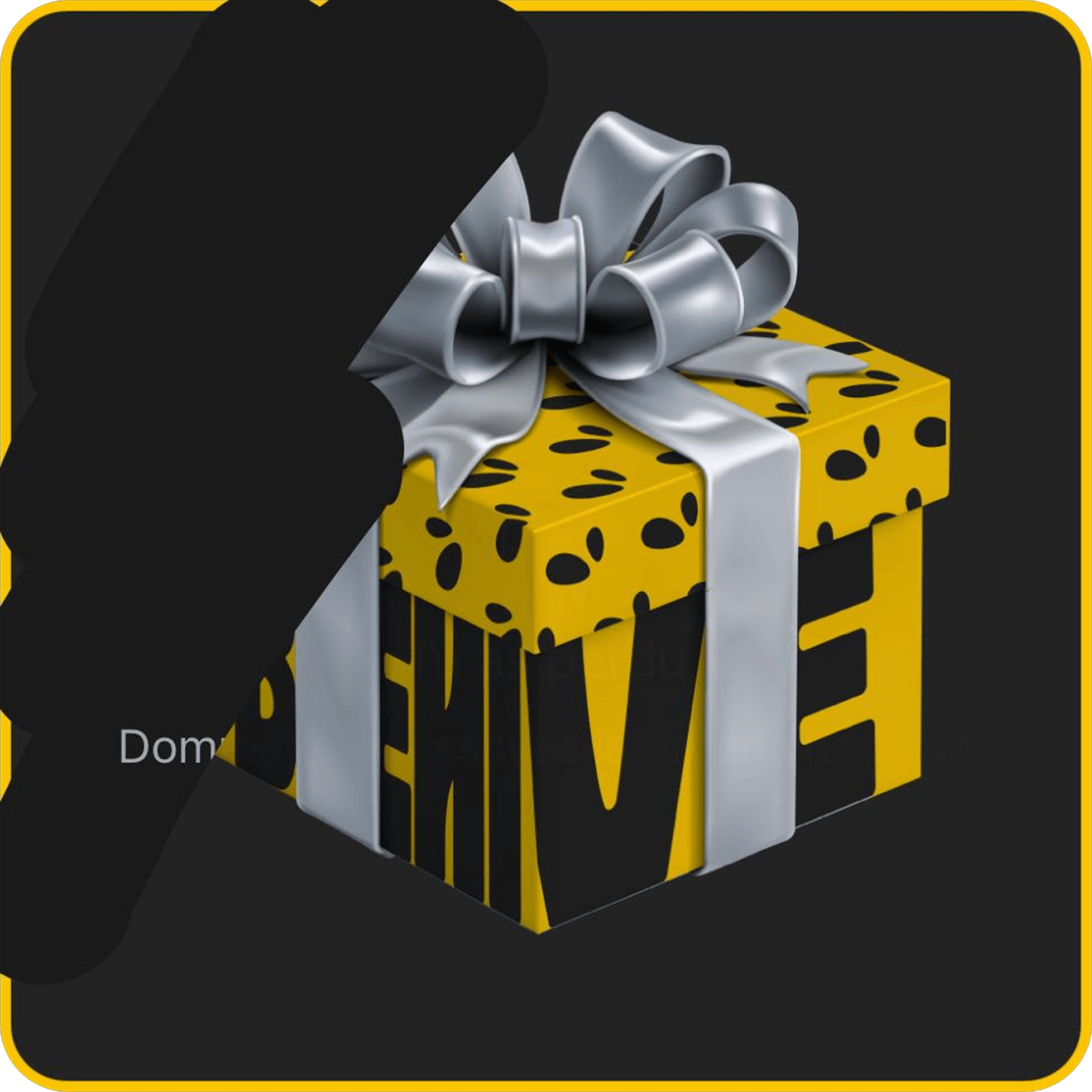
3. They scratch and discover their win.
Why it's effective
In-store traffic
The guest must come physically to claim their win.
Surprise effect
Scratching creates a memorable playful moment.
Loyalty
A positive experience encourages returns and recommendations.
Brand moment
You don't hand out a cold coupon, you offer a story.
Vocabulary to know
- Reward — the template you create (e.g. "Complimentary glass of wine"). Reusable across multiple events.
- Win — the instance of a reward earned by a specific guest, at a specific moment.
- Probability — the chance that a scratch is winning (in %). You set it when creating the reward.
- Radius — the geographic area around your event in which the ticket can be scratched.
- Delay — the time after the start of the event before the ticket appears.
- Duration — how long the ticket stays available.
Lifecycle of a win
- The guest scratches the ticket near the event.
If they win, the win switches to « Pending »: they have a limited time to come claim it.
They come to the shop, show you the validation screen: you validate → the win becomes « Claimed ».
- If they didn't come within the deadlines, the win switches to « Expired ».
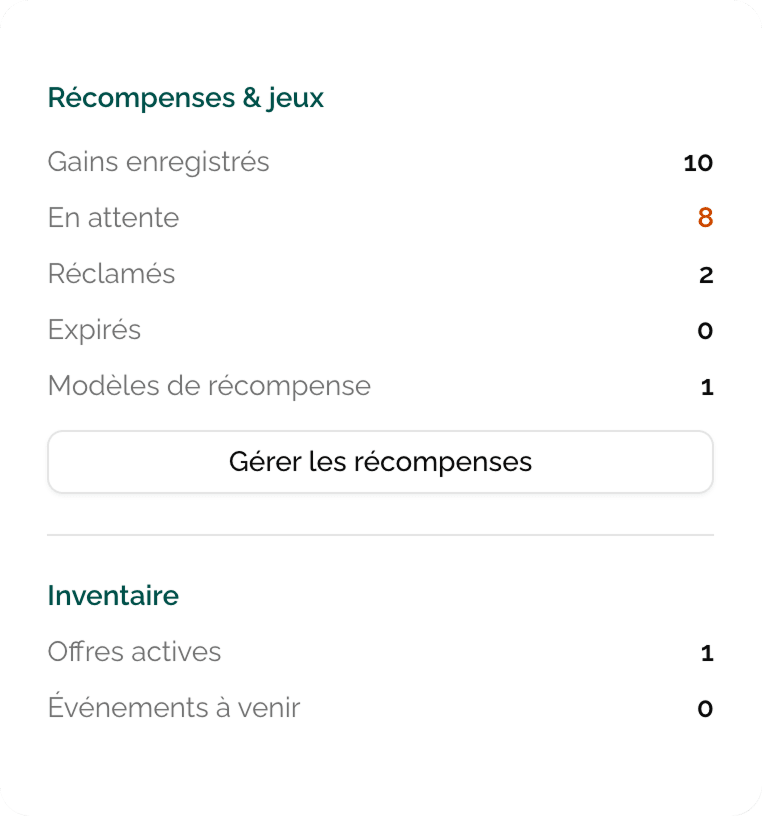
You track these statuses in real time from the dashboard (rewards summary) and from /partners/rewards.
Quotas by plan
- Essential (free) — 1 active reward.
- Connected — 5 active rewards.
- Ambassador — unlimited rewards.
The quota covers reward templates, not the number of wins distributed. With a single "Complimentary coffee" reward, you can generate hundreds of wins over the course of your events.
Concrete example
A café in Anglet creates an "Acoustic concert" event on Saturday evening and associates it with the "Complimentary coffee" reward with:
- probability 20%,
- radius 300 meters,
- delay 30 minutes after the start,
- duration 2 hours.
Out of the 80 guests passing through the area during the concert, about 16 scratch and win a coffee. They enter the café, order it: atmosphere guaranteed, loyalty initiated.
To put it into practice: Create a reward and link it to an event.