Connect Instagram
Link your professional Instagram account to Casabee to enable automatic event detection.
Connecting your Instagram account to Casabee is the first step to automate the creation of your events from your posts and stories. Everything happens on /partners/integrations.
Meta prerequisites
Pro Instagram account required
The Meta API requires a professional Instagram account (Business or Creator) linked to a Facebook page. If your Instagram account is still personal, switch it to a pro account from the Instagram app (Settings → Account → Switch to a professional account) before attempting connection.
Without this prerequisite, the connection fails with an unclear Meta error message.
Connection steps
Go to /partners/integrations.
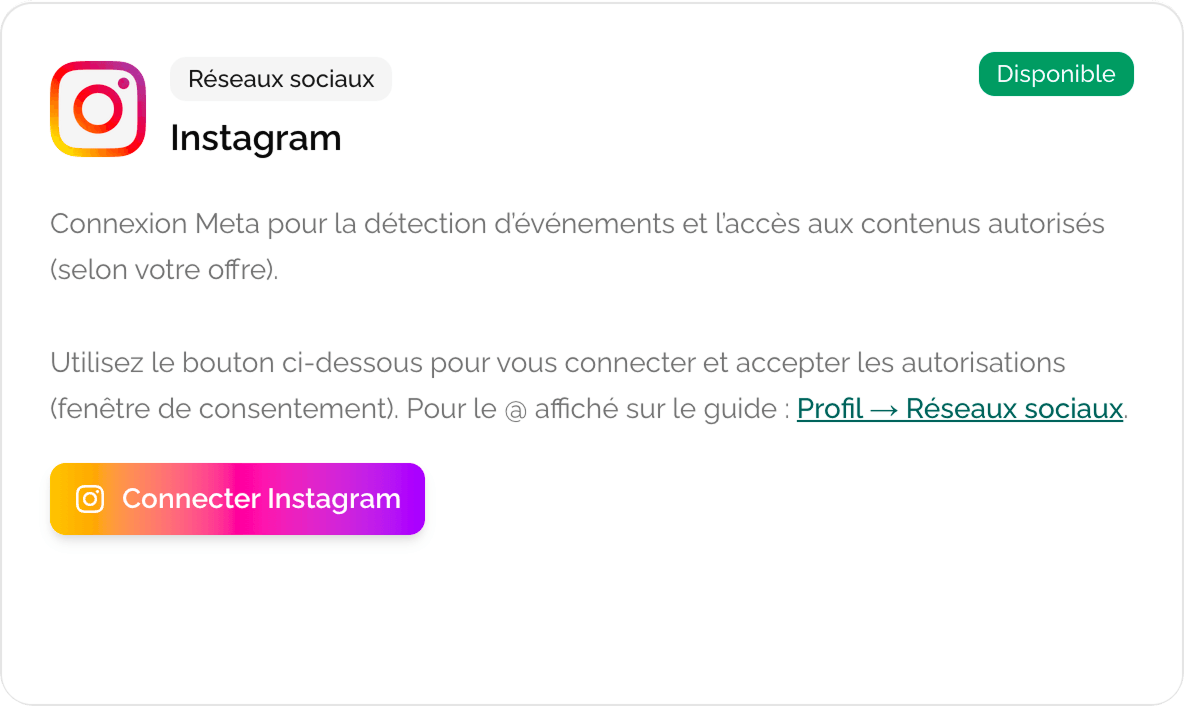
- Find the « Instagram » card.
- Click « Connect Instagram ».
You're redirected to a Meta consent window: you authorize Casabee to access your posts, stories and profile.
Once validated, back to Casabee: the card now shows your username and a « Connected » status.
Data used by Casabee
Once the connection is established, Casabee accesses a strictly limited scope:
Images
To identify event announcement visuals and offer them as covers.
Captions
To extract title, date, time, location and category via AI.
Public profile
Username, photo, bio — to pre-fill some fields of your partner profile.
No private data (DMs, followers, payments) is used or stored.
Configure automatic detection
Once connected, you can configure the scan:
- « Automatic detection » toggle — activate or stop the creation of event suggestions.
- Scan frequency — based on your plan: weekly on Essential, daily on Connected, several times a day on Ambassador.
- « Rerun analysis now » button — triggers an immediate manual scan (limited per day depending on the plan).
For the validation flow details: Automatic detection via Instagram.
Disconnect Instagram
If you want to stop sharing data, click « Disconnect » from the Instagram card. The action:
- immediately revokes Casabee's access to your Instagram account;
- stops automatic event detection;
- preserves the events already published (they are not deleted).
You can reconnect at any time.
In case of trouble
- Meta error during connection — check that your Instagram account is in pro mode and linked to a Facebook page.
- No event suggestion after several days — make sure the detection toggle is activated and that you publish posts containing event clues (date, time, location).
- Expired connection — Meta requires periodic reconnection. A banner in the dashboard warns you.
If you use Instagram to announce your events, keep a consistent caption format (title, date, time, location): Casabee's AI will rely on it to produce more accurate pages.